Zoom webinars / Zoom video conferences (certified) (Chur):
1 Provider - 4 Training locations



Receive free course information on Zoom courses: Training, further education, courses Chur by e-mail immediately:
Immediately to the right training
Riggenbachstrasse 8
4600 Olten
 Strengths:
Transferable webinar passes for companies and individuals / 50% discount for companies in mountain regions
Strengths:
Transferable webinar passes for companies and individuals / 50% discount for companies in mountain regions


Schools with certified educational counseling

Sites in the region Eastern Switzerland and Chur:
Education location / Schools Chur
Questions and answers
+ Tools, tips and tricks presented in a lively and interactive way
+ Maximum of 16 participants
Get fit for the digital and virtual future of education. In two hours, you will receive compact methodological know-how on 34 different topics relating to digital and virtual teachin...
What is the use of Zoom training?
Zoom training not only teaches the basic functions of the tool, but also provides numerous tips and tricks on how the tool can be used and applied in different situations.
Individual questions, problems or situations can be addressed in a personal exchange with the lecturer or the other participants and practiced directly by using the tool.
How does Zoom work?
Zoom is particularly popular because of its simple user interface and good sound and image quality. There are two sides to the use of the tool: On the one hand, there is the so-called host, i.e. the organizer, who plans the meeting via his Zoom account, and on the other hand, there are the participants, or viewers, who take part in such a virtual meeting.
Depending on the version, different functions are available. Here is a selection:
- Duration: The free Zoom version limits group calls to 40 minutes. One-to-one calls are unlimited in time.
- Number of participants: Up to 100 participants can be hosted in the free version.
- Chat function: Messages can be sent to all or directly to individual participants in a meeting using the chat function.
- Share your screen: Screen sharing allows you to share your own screen. All participants can then see your screen.
- Breakout sessions: This function makes it possible to create virtual group rooms. For example, in a Zoom course with a total of 10 participants, five separate sessions with two people each can be defined. The allocation of people to the separate groups is carried out by the host and can take place either automatically or manually.
- Reactions: Meeting participants have the option of using emojis, such as the "thumbs up" or "raise hand" gesture, to let us know what they think.
- Recordings: Zoom meetings can also be recorded if required. Please explicitly inform participants of this in advance and explain what the recordings will be used for later. Unauthorized image and sound recordings can be prosecuted and punished.
How can I create a Zoom meeting?
A Zoom account is required to set up a Zoom meeting. To do this, you must register on the Zoom website with the relevant personal details. In the user account, meetings or courses and meetings can then be planned, prepared, timed, edited, listed and deleted. The invitation required for a Zoom meeting with the respective access link or meeting ID and identification code can also be copied to the clipboard here and then sent to the participants via e-mail, for example. Recorded meetings are also saved and listed in the user account.
How can I join a Zoom meeting?
In order to participate in a Zoom meeting, an invitation with a corresponding access link or the meeting ID as well as the identification code is required. This is sent by the host, i.e. the person who has planned the meeting. It is common to participate via the Zoom app with or without registration. However, it is also possible to join a Zoom meeting via the web browser or by telephone.
Who is a Zoom course aimed at?
A Zoom course is aimed at:
- Trainers, vocational trainers, teachers, lecturers, pupils or students who would like to become familiar with the tool or still feel unsure about using it
- Generally interested people who would like to get to know Zoom
- People who already work with Zoom and now want to continue their professional training
- People who are looking for ideas, inspiration or examples for the use and application of the tool, for example in online teaching or hybrid teaching
- Companies and their employees and managers, so that virtual meetings can also be held efficiently
The target groups and admission requirements are determined independently by the schools. There may therefore be slight differences from school to school.
We therefore recommend contacting the school of your choice directly via our contact form or using the "Ask a question" button to get in touch with the right contact person - quickly, easily and without obligation.
What does zoom mean?
The English term "zoom" actually describes a process by which an object is moved closer to or further away from the viewer.
Since the 2020 coronavirus pandemic, however, the term "Zoom" has also been on everyone's lips in a different context: Namely as an application for video conferencing software.
Companies and private individuals use the tool to meet virtually via audio and/or video and communicate online via chat. Numerous schools and universities also rely on the tool for online lessons and webinars.
Zoom is a US software company that was founded in 2011 and has grown steadily since then. The Covid-19 pandemic led to further significant growth from around 10 million monthly users to over 200 million users per month. Data protection and security deficiencies initially led to major criticism, but these were rectified with corresponding software updates. At the same time, additional functions were added to the free version.
How can I join an ongoing Zoom webinar?
With the invitation to the Zoom meeting previously sent by the host and the access data via link or meeting ID and identification code, it is possible to join the corresponding virtual session at any time. Provided that the meeting has already started, i.e. is currently taking place and has not yet ended.
What do I need for a Zoom webinar?
Regardless of whether you offer or conduct a webinar independently via Zoom or, for example, take part in a Zoom training course in the role of a participant, you always need a Zoom training course:
- a good and stable internet connection
- a computer or other mobile device such as a smartphone or tablet
- the Zoom invitation with the corresponding access link or login data with the meeting ID and the identification code
- for the host/organizer: a Zoom account for creating a meeting

 Error found? -
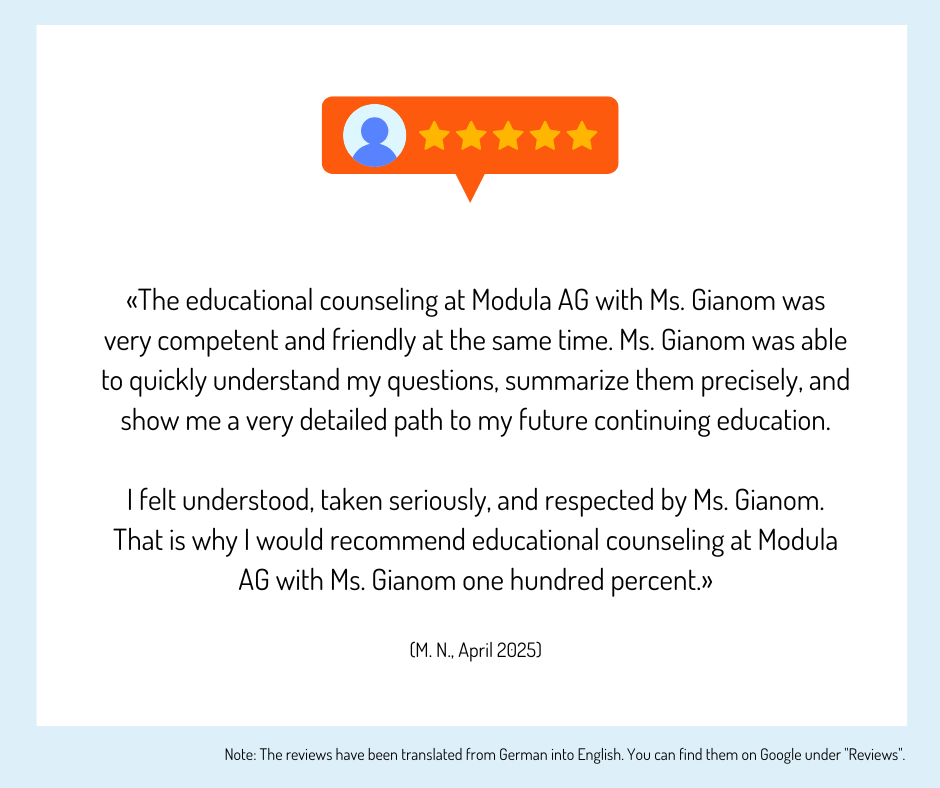
Experiences, evaluations and opinions on training / further education
Haven't found the right training or further education yet? Benefit from educational advice now!
Further training is not only important in order to maintain or increase professional attractiveness, investing in training or further training is still the most efficient way to increase the chances of a pay rise.
The Swiss education system offers a wide range of individual training and further education opportunities - depending on your personal level of education, professional experience and educational goals.
Choosing the right educational offer is not easy for many prospective students.
Which training and further education is the right one for my path?
Our education advisory team will guide you through the "education jungle", providing specific input and relevant background information to help you choose the right offer.
Your advantages:
You will receive
- Suggestions for suitable courses, seminars or training programs based on the information you provide in the questionnaire
- An overview of the different levels and types of education
- Information about the Swiss education system
We offer our educational counseling in the following languages on request: French, Italian, English
Register now and concretize your training plans.